
How to Install the Lookr XAPK on Any Android Phone
Installing the Lookr XAPK takes about two minutes once you know the trick: you cannot just tap the file. Lookr v1.5.7 ships as an XAPK bundle, which is a base APK plus split configs, and Android's built in package installer does not understand that format. You need a small helper app called an XAPK installer. This guide walks through the whole process on a stock Android phone, and the steps are the same on Samsung, Pixel, Xiaomi, Tecno, and Infinix devices.
Key takeaways: Download the 43.3 MB XAPK from the official download page, install any XAPK installer from the Play Store, allow Install unknown apps for your browser, open the XAPK inside the installer, and tap Install. Grant storage permission on first launch.
What you need before you start
Two things: the Lookr XAPK file itself, and an XAPK installer app. Get the file from the official Lookr download page and wait out the short countdown timer, then confirm the finished file is about 43.3 MB. For the installer, open the Play Store and search for XAPK installer, any well reviewed one works. You only need it for the install; it does not have to stay on your phone afterward.
Step by step installation
1. Open your browser's download. When the XAPK finishes downloading, Android will probably warn you that the file type may be harmful. That warning appears for every sideloaded file and is normal; what matters is that you got the file from a source that publishes its real details.
2. Allow installs from your browser. The first time you try, Android blocks the install and takes you to a permission screen. Toggle on Allow from this source for your browser (usually Chrome). You do this once and never again.
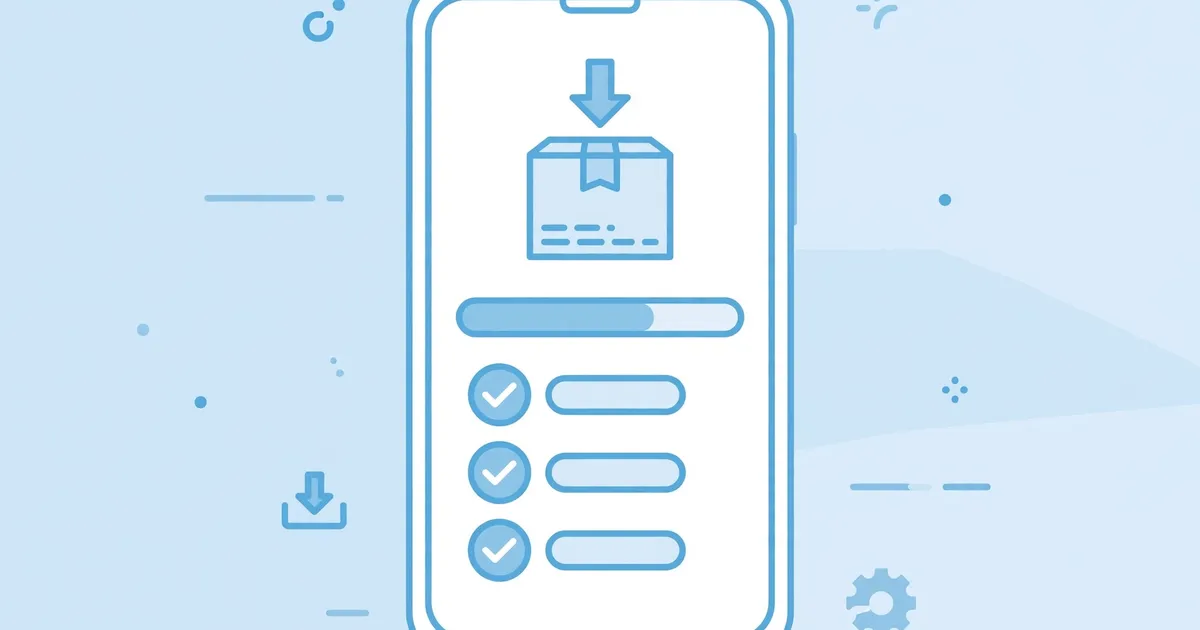
3. Open the XAPK in the installer app. Launch the XAPK installer you got from the Play Store. It scans your storage, finds the Lookr XAPK, and shows what is inside: the base APK plus three splits, arm64_v8a for 64 bit processors, mdpi for baseline screen density, and en for English resources.
4. Install and launch. Tap Install, wait for the unpacking to finish, then open Lookr. Grant storage access when it asks so the downloader can save videos. The AI search bar on the home screen confirms you are done.
What the three splits mean
The arm64_v8a split matches the 64 bit processor in nearly every modern phone. The mdpi split is the baseline screen density config. The en split is the English language pack. The installer selects the right ones for your device automatically, so you never pick manually. If you are curious what else the package contains, our full permission breakdown lists all 21 permissions from the real manifest.
Stuck? The most common failure is an incomplete download, re-download and confirm the 43.3 MB size. The second is tapping the XAPK directly instead of opening it in the installer app. Our App Not Installed fixes cover the rest in order.