
Managing Lookr Notifications and Background Downloads
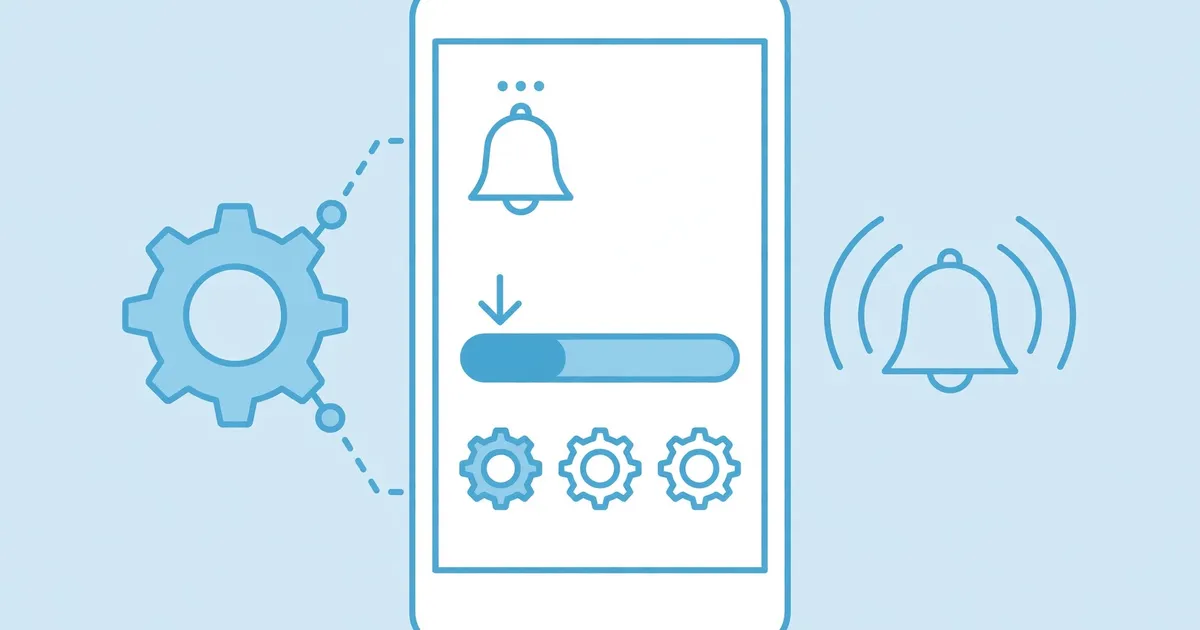
Lookr uses notifications for download progress and background services to keep downloads alive when you switch apps. Both are useful, both are tunable, and mistuning them is why downloads stall. Here is the balanced setup.
Key takeaways: Keep notifications on for download progress. Keep background activity allowed while downloading. Restrict both only when you are not actively downloading.
What the notifications do
Download started, progress, and completion alerts come through the POST_NOTIFICATIONS permission. They are genuinely useful, a completed download ping beats reopening the app to check. Mute them in system settings if you prefer silence; nothing breaks.
Why background activity matters
The FOREGROUND_SERVICE permissions let downloads continue while you use other apps. If Android's battery optimization kills the service, downloads stall halfway. The fix is exempting Lookr from battery optimization, at least while you download.
The balanced setup
Notifications on, battery optimization off or unrestricted for Lookr, background data allowed. When you are not downloading anything for a while, feel free to restrict background activity to save the battery; just remember to loosen it before your next big download batch.