
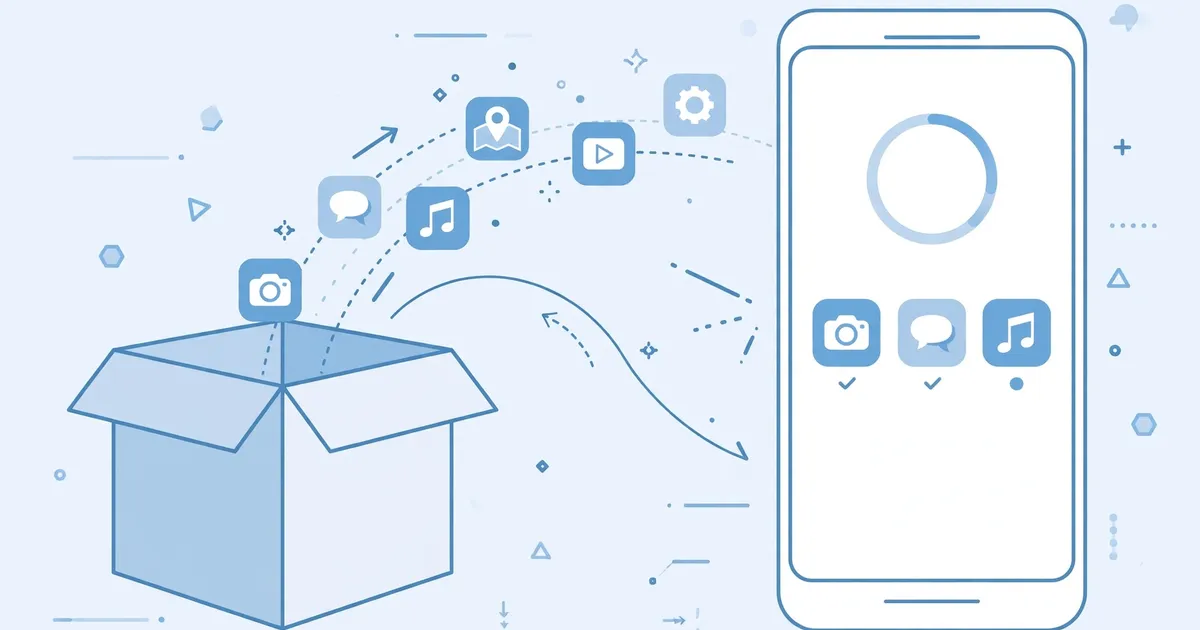
Using Lookr Without the Play Store: Full Guide
Millions of Android phones run without the Play Store, and Lookr works fine on all of them. Sideloading is a first class install method on Android, not a hack. This guide covers installing, updating, and staying safe without ever opening the Play Store.
Key takeaways: Sideload the verified XAPK, verify package name and size, and check the official download page for updates manually. No store needed at any step.
Installing without the store
Download the XAPK from the official download page using any browser. You still need an XAPK installer app; if the Play Store is unavailable, reputable installer APKs are available from their developers' sites. Then follow our XAPK install walkthrough as normal.
Staying safe without Play Protect
Without the store's scanning, your own checks matter more. Verify the package name (com.wecloud.lookr), the version (1.5.7.1110.01), the size (about 43.3 MB), and the SHA-1 (85f9210d9b58729a5925da7c85808db8940be5f1). Our safety verification explains each check.
Updating manually
Sideloaded apps do not auto update. Check the download page periodically for new versions; installing the new XAPK over the old one preserves your library. Our update guide walks through it.
What you lose without the store
Only convenience: automatic updates and Play Protect scanning. The app itself runs identically. Many users on de-Googled or regional phones run this way permanently.
See also: what to do when Lookr is not available in your country.